Build the character first
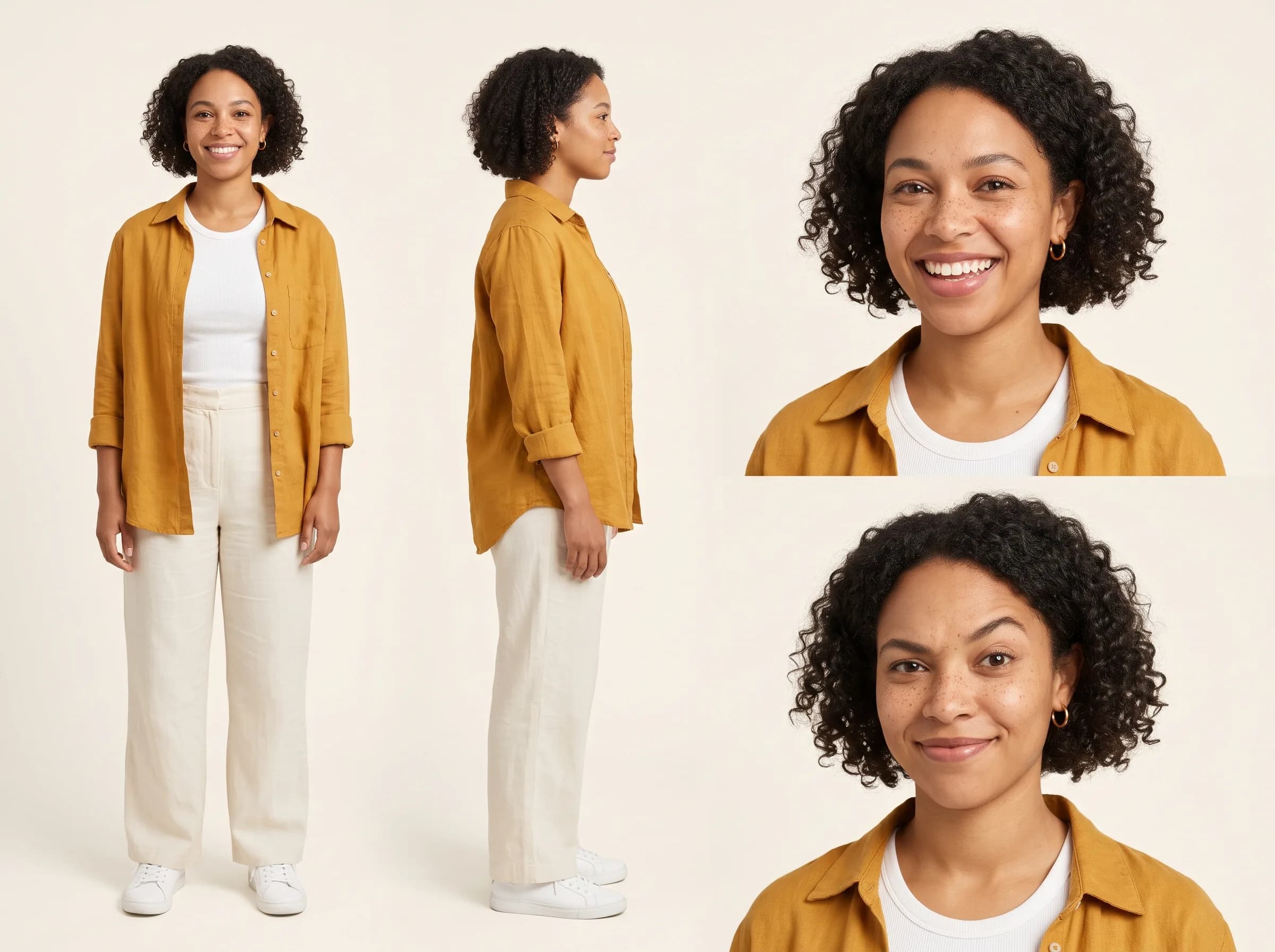
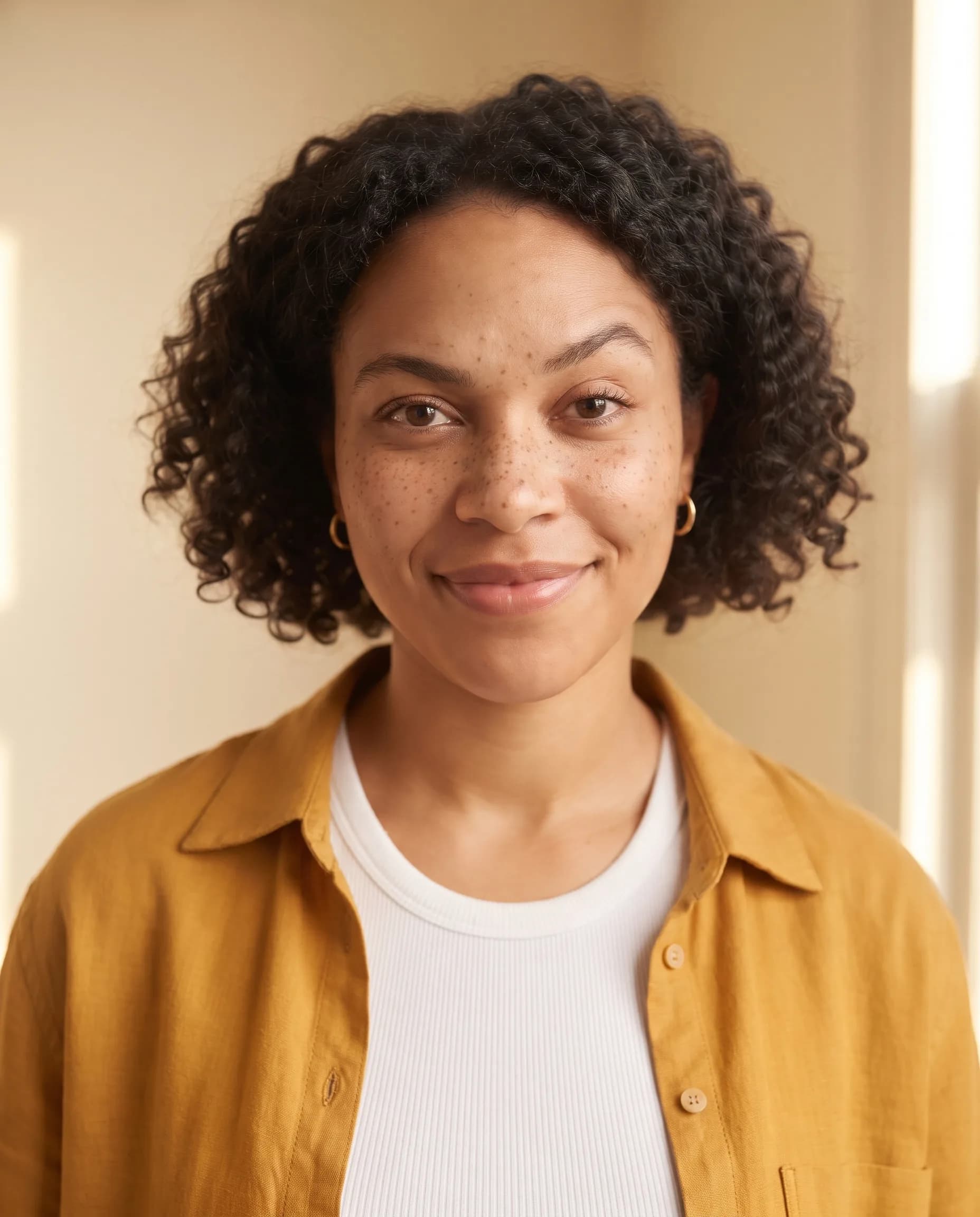
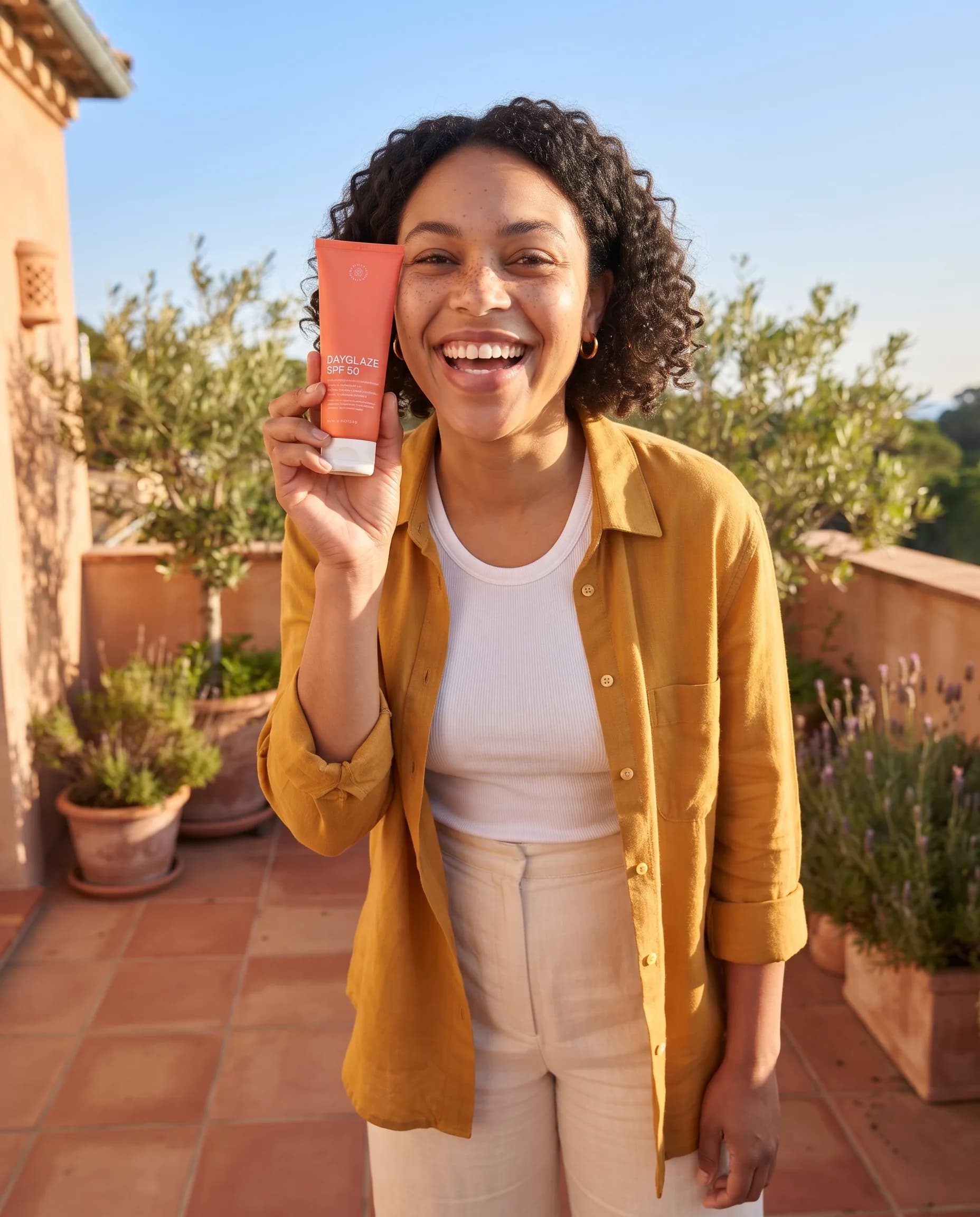
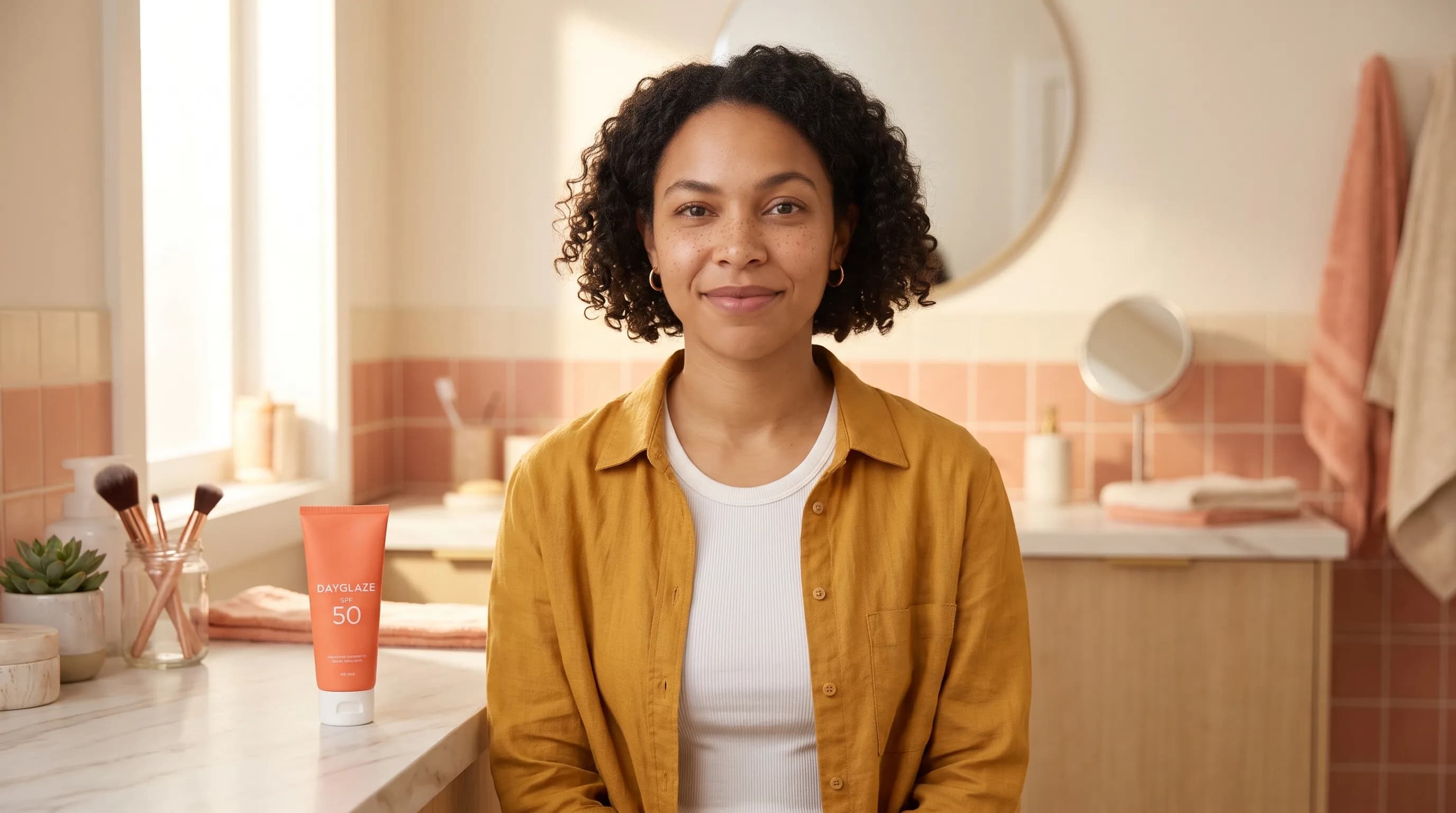
A talking clip is only as steady as the face you start from. Approve a character sheet before any video: front and side views, a couple of expressions, and the outfit you want to keep. Saved on a Character, the sheet travels with every request, so a portrait, an ad still and a talking clip a week later all show the same person. Review the likeness in each new result anyway; small drifts are cheaper to catch on an image than on a video. The sheet and each new frame cost $0.12 an image with Nano Banana 2 at 1K, a designed voice costs $0.02 for three options to choose from, and the Character's voice reads 1,000 bytes of text (about 1,000 characters of English) for $0.10.
Script or recording
With a script, HeyGen Avatar 4 reads it in one of its stock voices, which is the quickest way to a test. With a recording, the clip follows your exact words, pace and pauses, and the voice can be anything: a voiceover, a voice designed for the Character, or your own cloned voice. For a still portrait and a long recording, H3 Max Lip Sync animates up to 15 minutes in one go.
Faces you may use
Use fictional characters, yourself, or people who have agreed to it. Do not make a real person say something they did not say. For an existing video rather than a photo, lip sync changes what a speaker says and character swap changes who is on screen.