Upscale images and videos in Claude and ChatGPT
Yes. Connect Makemancer and Claude, ChatGPT or Codex can upscale images with AuraSR (the default), Recraft Crisp, Topaz Image Upscale or Clarity, and video with the ByteDance Video Upscaler (the default), RealESRGAN, Topaz Video Upscale or Topaz Starlight. Send the file and the size you need. Upscaling is paid in credits at $0.01 each, quoted before it runs.
- Bring
- Any image you want sharper
- Get
- A larger, sharper copy of the same image
- From
- 2 credits · $0.02
- Works in
- ClaudeChatGPTClaude CodeCodex


Made with it
Our own results, first takes. Each caption says what it took.
How to do it
Connect Makemancer
Add Makemancer to Claude, ChatGPT, Claude Code or Codex. The steps for each client are on the connection page.
Send the file and say how big
Share a link or attach the image or clip. Say the factor (2x, 4x) or what it is for, such as a website banner or a print.
Here is my image: <link or file>. Upscale it for a website banner and keep it looking the same. Tell me the cost first.Compare and pick the upscaler
If edges look soft or textures look painted, try another upscaler on the same file and compare the two at full size.
Run the same image through Recraft Crisp Upscale too, so I can compare it with the first version side by side.
Which model to use
| Model | Best for | Priced for | Credits |
|---|---|---|---|
| AuraSRupscale/aura-sr | The default for images: a fast, faithful 4x enlargement of sources up to 3072 pixels per side. | per input | 8$0.08 |
| Recraft Crisp Upscaleupscale/recraft-crisp | Clean, crisp edges for product shots and graphics; sources up to 4096 pixels per side, and it picks the output size. | per request | 2$0.02 |
| Topaz Image Upscaleupscale/topaz-image | 1x, 2x or 4x without repainting the picture, priced by output size. | per input | 16$0.16 |
| Clarity Upscalerupscale/clarity | The most added detail, 1-4x in any step, optionally guided by a prompt. | per input | 80$0.80 |
| ByteDance Video Upscalerupscale/bytedance | The default for video: 1080p up to 8K at 24-120 fps, with a preset for AI-generated clips; sources up to 5 minutes.Opens after your first credit purchase | 5 s video input | 8$0.08 |
| RealESRGAN Videoupscale/realesrgan | Plain 1-8x video enlargement without generated detail, up to 1,000 source frames.Opens after your first credit purchase | 5 s video input | 89$0.89 |
| Topaz Video Upscaleupscale/topaz-video | Video at 1x, 2x or 4x from sources up to 2 minutes, priced by output size and frame rate.Opens after your first credit purchase | 10 s video input | 160$1.60 |
| Topaz Starlight Fast 2upscale/topaz-starlight-fast-2 | Generative video upscaling, 1-4x, up to 1080p tall, from sources up to 2 minutes.Opens after your first credit purchase | 5 s video input | 60$0.60 |
What we got
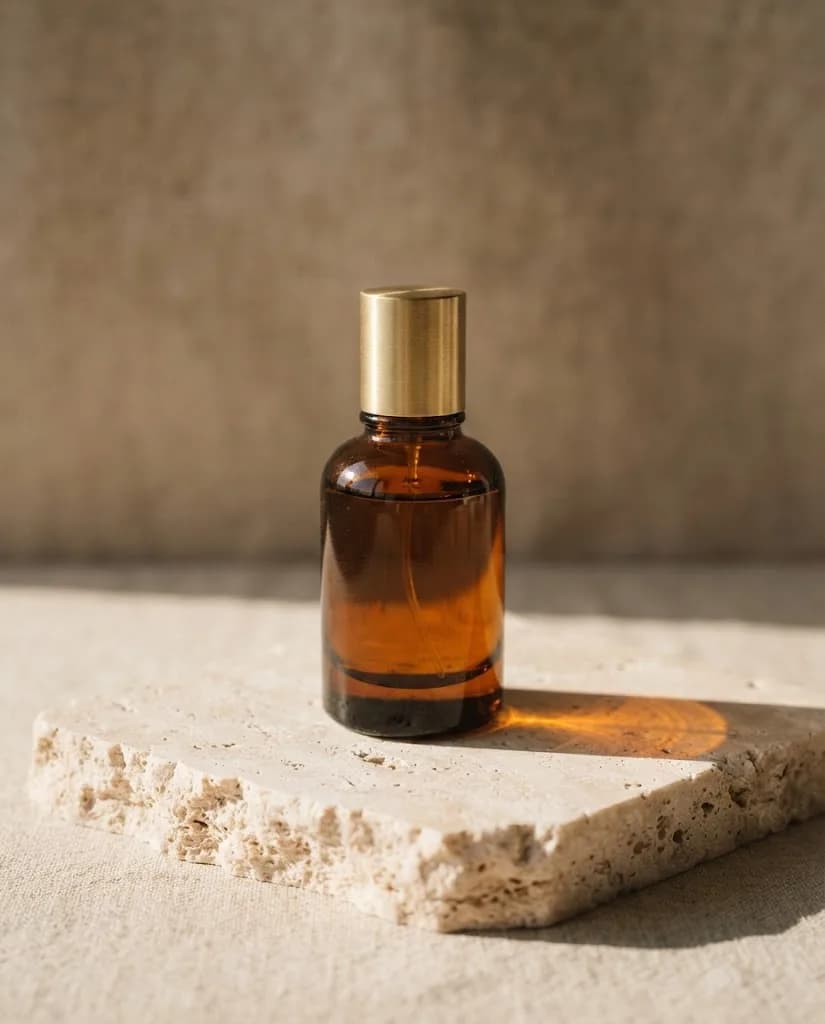
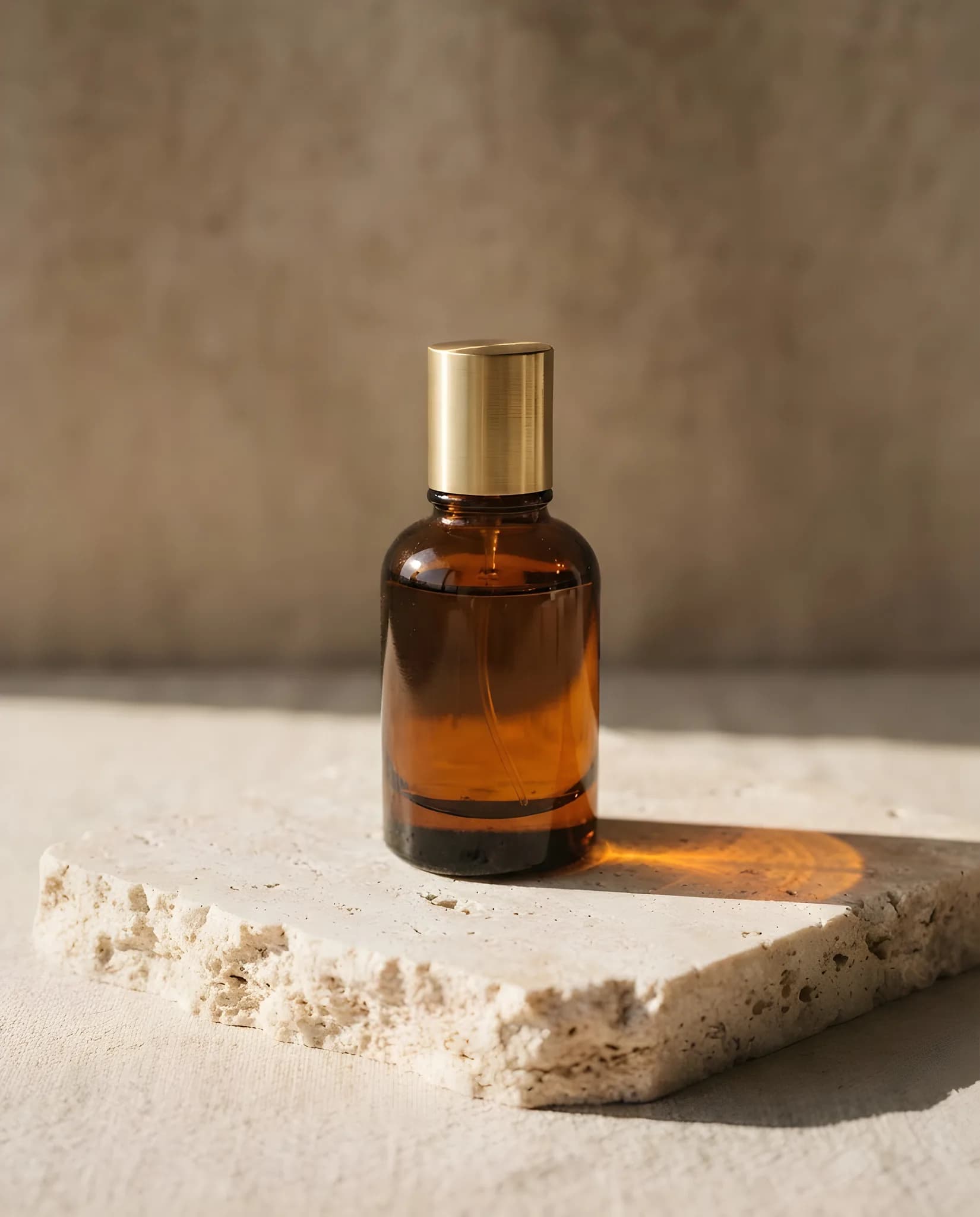
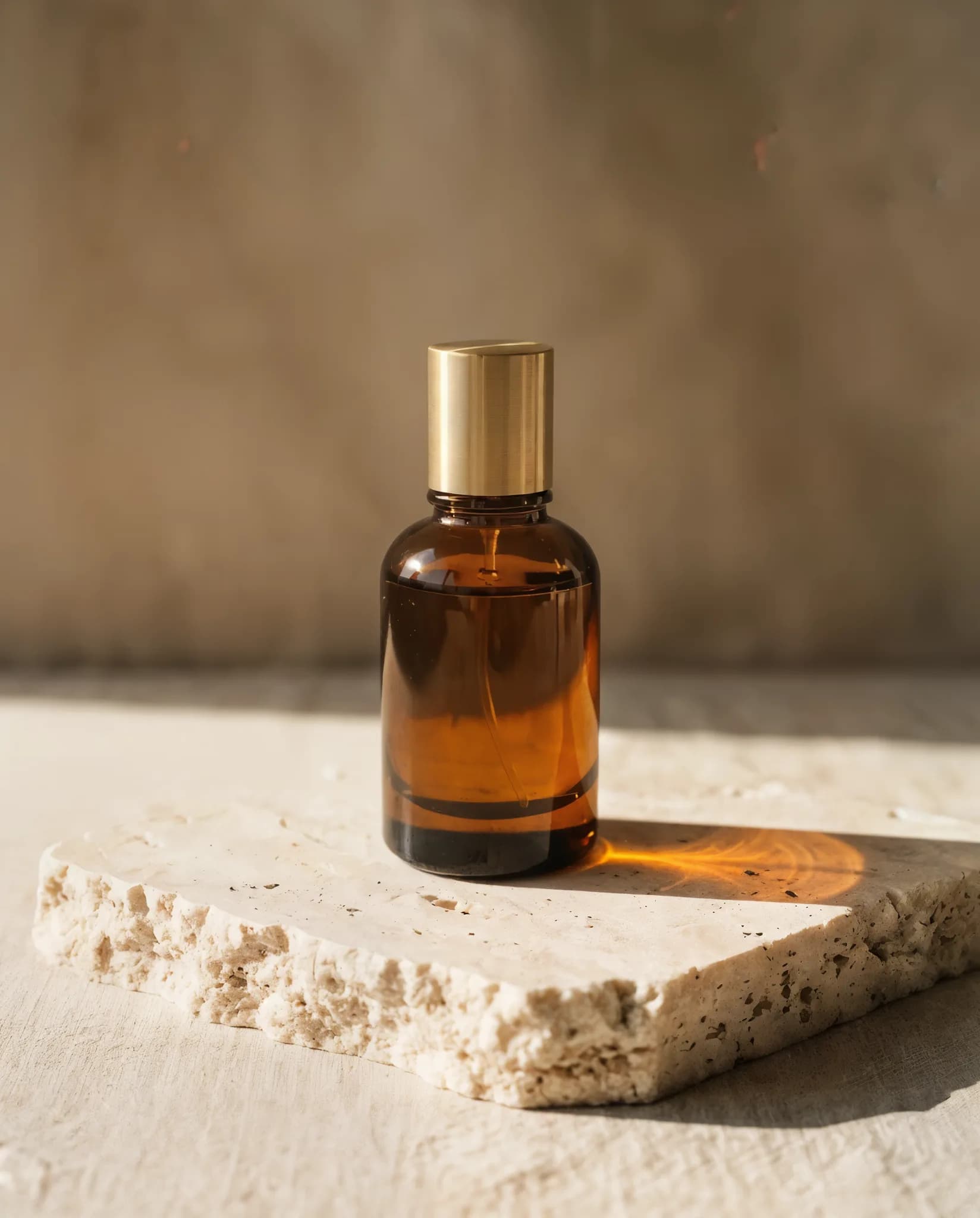
Our test image was an 825 × 1024 product shot of a perfume bottle from Nano Banana 2 Lite. Recraft Crisp Upscale (it picks the size itself) and Clarity Upscaler at 2× each doubled it, to 1650 × 2048 and 1648 × 2048. At page size the three look alike, so here is the same patch of the cap from each file, cut at full size:
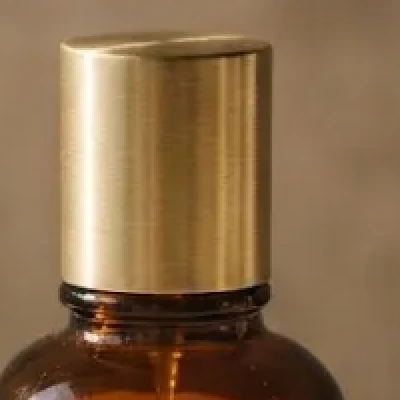
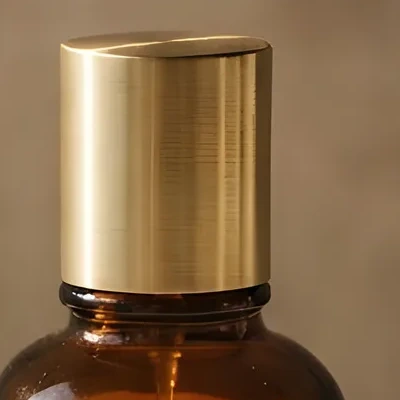
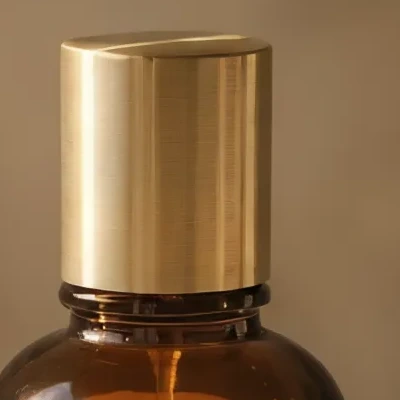
Recraft Crisp kept the cap smooth and made its edges cleaner. Clarity added fine brushed lines to the metal that the original only hinted at: that is the added detail it is known for, and the reason to check faces and small text after using it.
For video, Topaz Starlight Fast 2 took a 3-second 832 × 480 clip to 1872 × 1080. Both clips are above.
Which upscaler for which job
- AuraSR makes the picture four times larger and keeps it as it is. It is the default and the quick choice for photos up to 3072 pixels per side.
- Topaz Image Upscale also keeps the picture as it is, at 1x, 2x or 4x, and takes larger sources than AuraSR.
- Recraft Crisp Upscale sharpens edges cleanly, which suits product shots, logos on packaging and illustrations.
- Clarity Upscaler adds the most detail and can take a prompt, such as "sharp fabric texture". It can also invent detail, so check faces and small text.
- ByteDance Video Upscaler is the default for video. It enhances a clip to 1080p, 2K, 4K, 6K or 8K and can raise the frame rate. RealESRGAN enlarges a clip as it is, and so does Topaz Video Upscale. Topaz Starlight Fast 2 rebuilds detail generatively, up to 1080p tall.
Limits
Upscaling cannot recover what was never in the photo: a blurred face stays a guess. AuraSR takes sources up to 3072 pixels per side and Recraft Crisp up to 4096. Video upscaling opens after your first credit purchase. The ByteDance Video Upscaler takes clips up to 5 minutes, Topaz Video Upscale and Starlight up to 2 minutes, and RealESRGAN up to 1,000 frames. Video upscalers are charged per second of the source clip, so trim the clip first. Generate at 2K or 4K from the start when you know you need a large image.
Questions
Can Claude upscale an image?
Yes, with Makemancer connected. Send the image and say how much larger it should be; Claude returns the upscaled file with a permanent link.
Which upscaler should I use?
AuraSR for a quick, faithful 4x copy, Topaz Image Upscale when you want 2x or a large source, Recraft Crisp for clean edges on products and graphics, and Clarity when you want extra detail added. Clarity can change small textures, so check faces and text.
Can I upscale a video in ChatGPT?
Yes, if your ChatGPT plan and workspace allow custom MCP servers. Video upscaling opens after your first credit purchase. The ByteDance Video Upscaler takes clips up to 5 minutes and outputs up to 8K; Topaz Video Upscale and Topaz Starlight take clips up to 2 minutes, and Starlight outputs up to 1080p tall.
How large can the result be?
AuraSR always enlarges 4x, from sources up to 3072 pixels per side. Topaz Image Upscale goes up to 4x. Clarity outputs up to about 22 megapixels. Recraft Crisp accepts sources up to 4096 pixels per side and picks the output size itself.
How much does upscaling cost?
Credits cost $0.01 each. Topaz Image Upscale is priced by output size, and video upscalers are charged per second of the source clip by output size and frame rate; the table on this page shows each model at its sample settings, and the assistant quotes every job first.