Image
One product snapshot to a store-ready image set
Cut a product out of a cropped phone photo with BiRefNet, place it in three matching scenes with Nano Banana 2 and upscale the hero shot, all from one chat request.
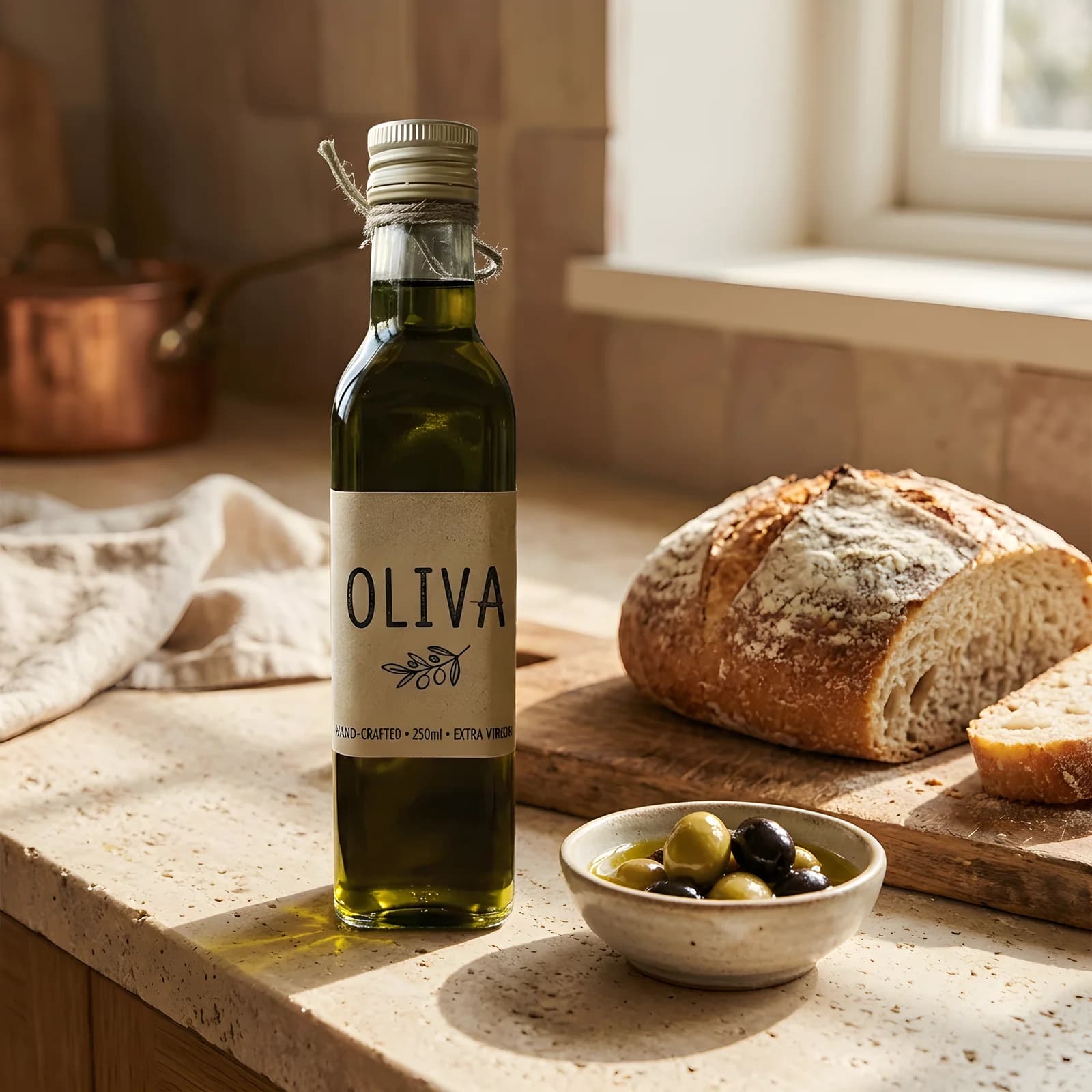
Made from
Also made in this run
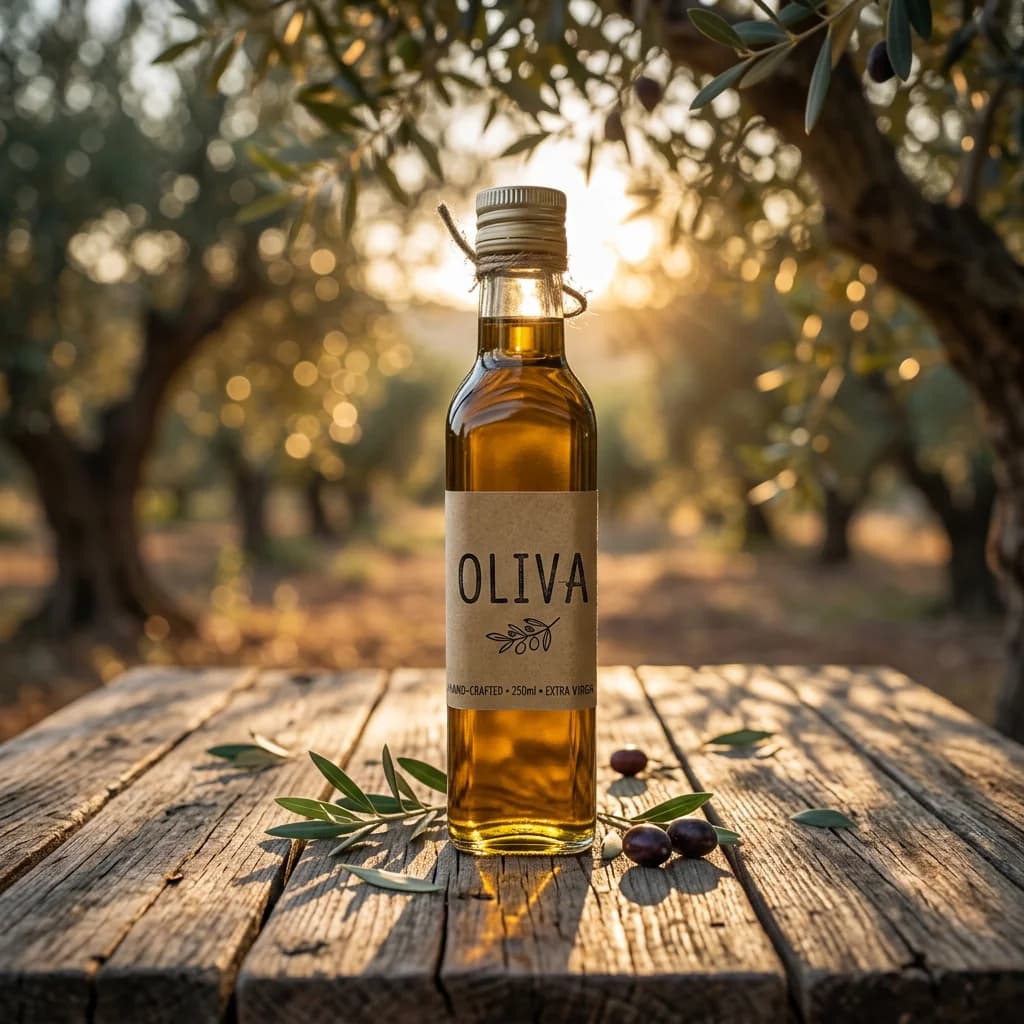
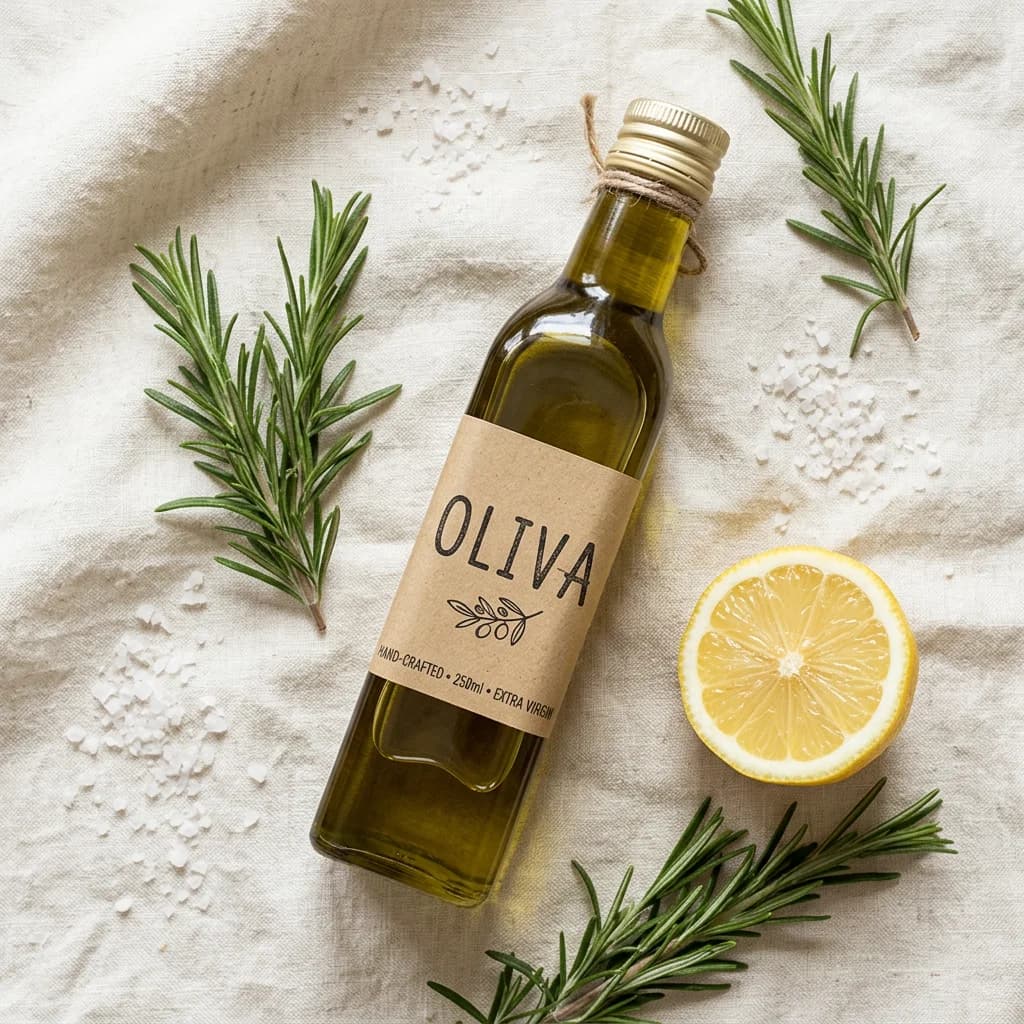
Steps and cost
| Step | Model | Credits |
|---|---|---|
| Cut out the product | BiRefNet v2 | 2 |
| Kitchen scene | Nano Banana 2 | 12 |
| Olive grove scene | Nano Banana 2 | 12 |
| Flat lay | Nano Banana 2 | 12 |
| Upscale the hero shot | Recraft Crisp Upscale | 2 |
| Total | 40 | |
What you get
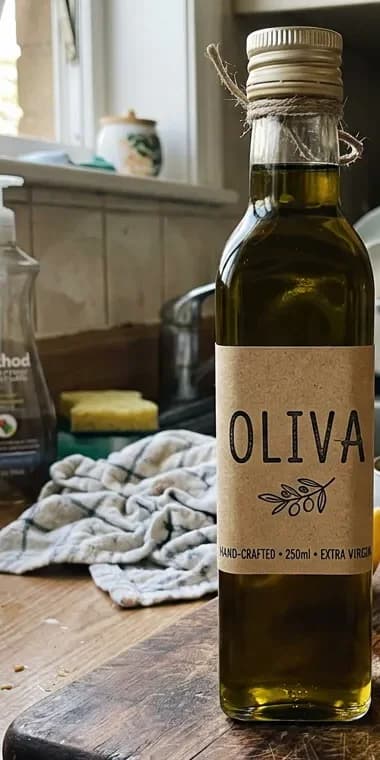
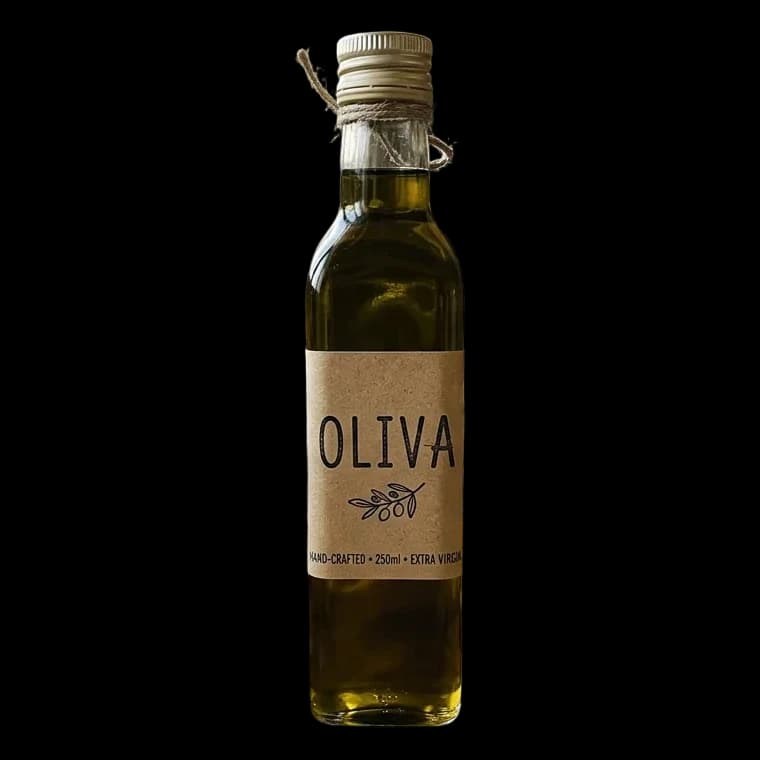
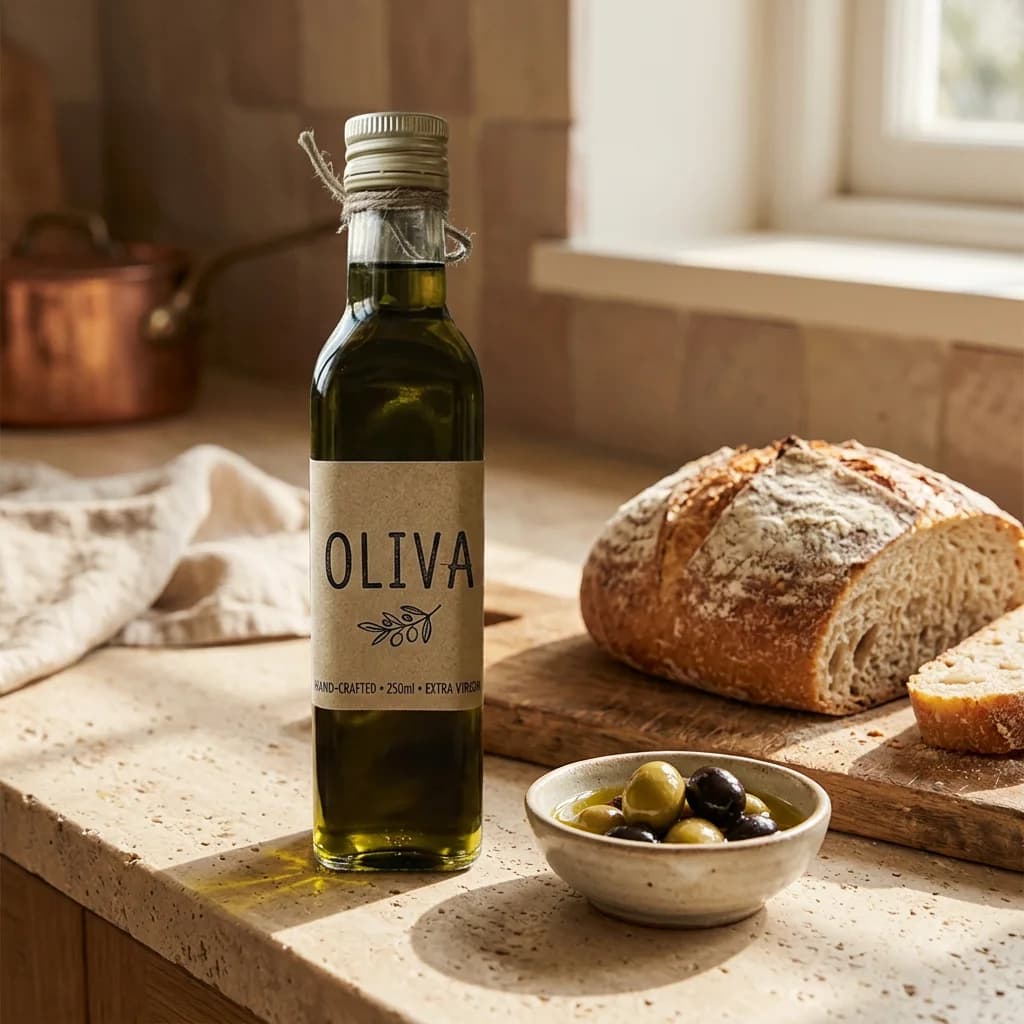
A transparent cut-out of the product, three square scenes that share one warm, natural look, and a larger copy of the kitchen scene for a banner. The input was an everyday phone snapshot on a cluttered counter, cropped to the bottle on the phone before upload. Every file lands in your library with a permanent link, so you can download the set or reuse the cut-out later.
Why these models
Background removal goes first so the scene model sees only the product, not the clutter around it. Nano Banana 2 is good at keeping a referenced object intact while it builds everything else around it, which is what a product set needs. Recraft Crisp Upscale at the end enlarges the image without repainting it, so the hero shot still matches the other two.
One thing to watch: on the whole snapshot, background removal also kept the half lemon standing beside the bottle. We cropped the photo to the bottle on the phone before uploading it, so the cut-out holds the product alone and nothing else carries into the scenes (the lemon in the flat lay is there because its prompt asked for one). Check the cut-out before the scenes run.
Variations to try
- Seasonal set: swap the scenes for a holiday table, a picnic blanket and a snowy windowsill.
- Marketplace rules: ask for one extra image of the cut-out on a plain white background at 2K.
- Ad cut: add a step that turns the hero shot into a 5-second vertical video, as in animate a product photo.
Questions
Will the product look the same in every scene?
The scenes use the cut-out as a reference, so the bottle shape and the kraft label stayed close to the snapshot in our run. Check small text on packaging; if one scene drifts, ask for that scene again.
Why crop the photo before uploading it?
Background removal keeps every subject it finds. Run on our whole snapshot, it kept the half lemon standing beside the bottle; on the photo cropped to the bottle, it returned the bottle alone, and the scenes built from that cut-out show only the product. Crop in your phone's photo editor before you upload.
What size are the images?
The scenes are square 1K. Recraft Crisp Upscale picks the output size itself; ours came back at 1600 pixels square. Ask for 2K scenes or 4:5 for social posts, and the quote updates before anything runs.