Nano Banana in Claude and ChatGPT
Yes. Connect Makemancer and Claude, ChatGPT or Codex can generate and edit images with Google's Nano Banana models: Nano Banana 2 (the default), Nano Banana Pro and Nano Banana 2 Lite. Ask in plain words; an image costs from 5 credits ($0.05), and you never need a Google API key.
Made with it
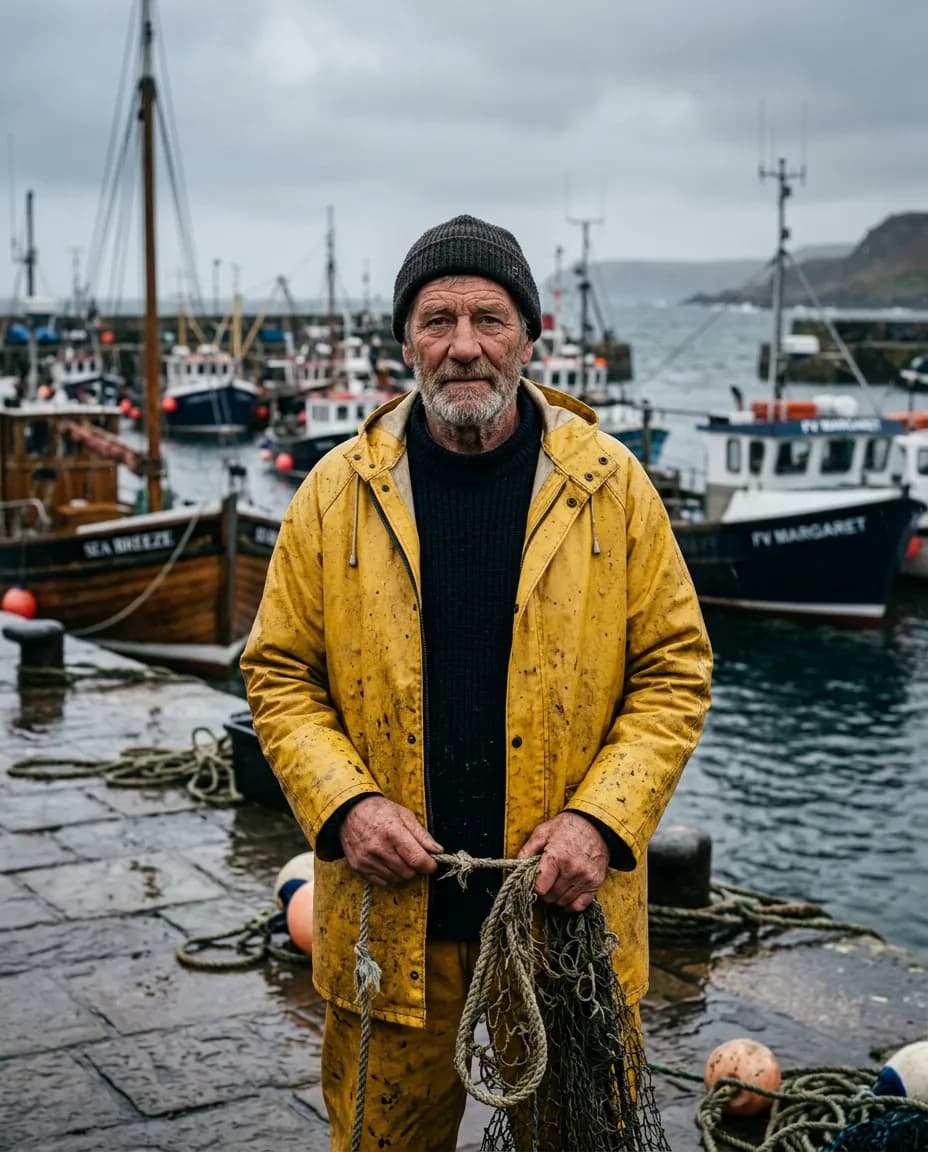
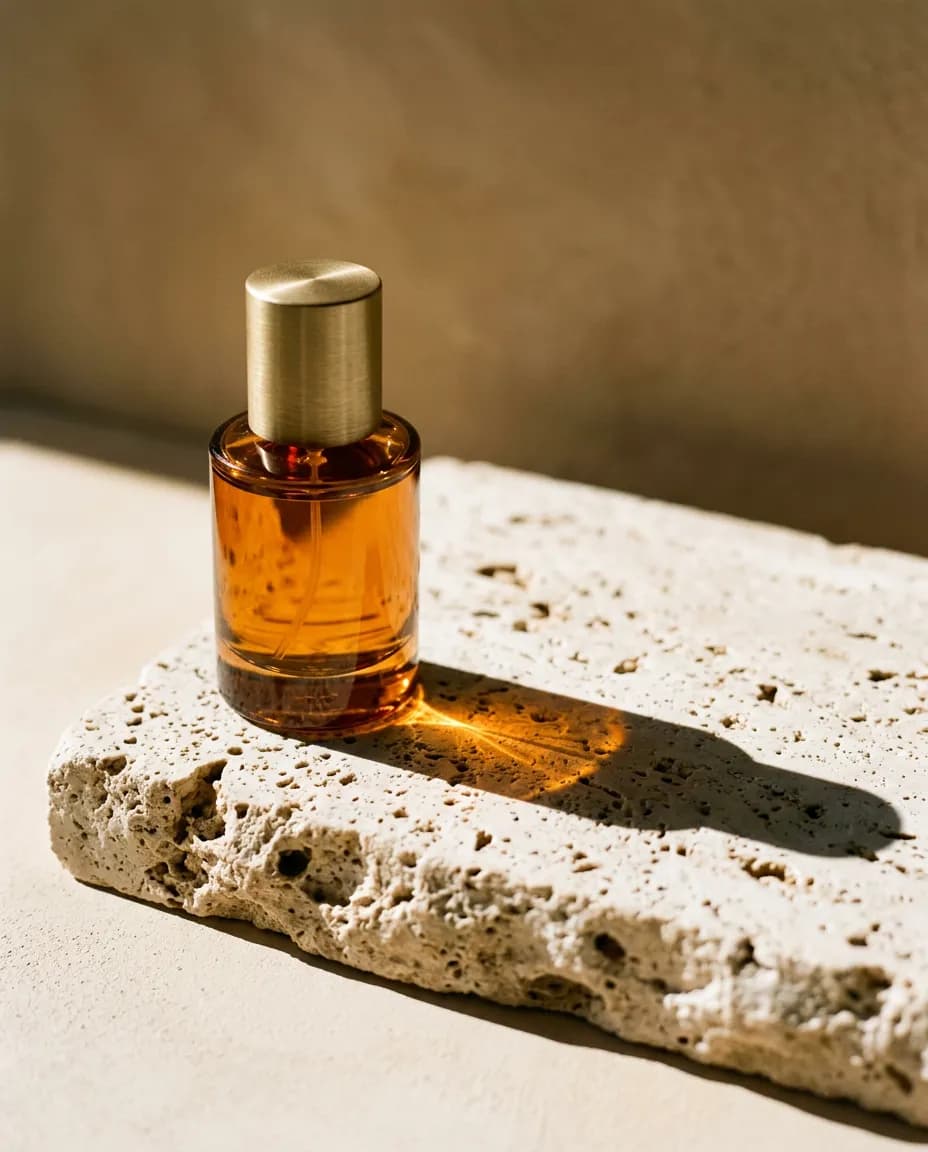
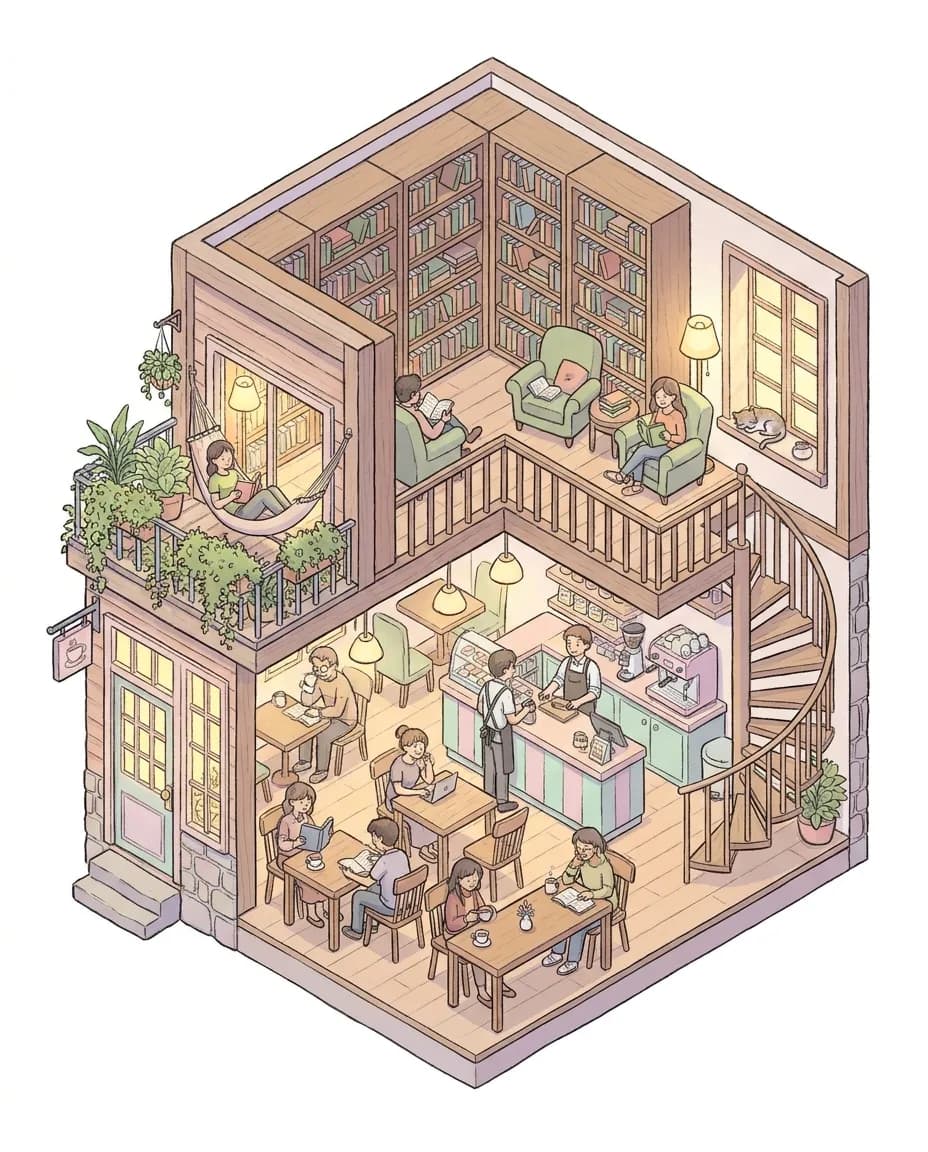
Our own results, first takes. Each caption says what it took.
What it costs
Credits per result at the settings shown, priced live. Ask the assistant for a quote on any other settings before it runs.
| Model | Best for | Priced for | Credits |
|---|---|---|---|
| Nano Banana 2image/nano-banana-2 | Google Nano Banana 2. Default for image generation and targeted edits, with strong instruction following and reference consistency at 1K, 2K and 4K. | 1K · image | 12$0.12 |
| Nano Banana Proimage/nano-banana-pro | Google Gemini 3 Pro image model, for when it is selected by name. Up to 8 reference images, 1K to 4K. | 4K · image | 30$0.30 |
| Nano Banana 2 Liteimage/nano-banana-lite | Google Gemini 3.1 Flash Lite Image (Nano Banana Lite). Image generation and editing at 1K resolution. | per image | 5$0.05 |
Ask for it
Paste one of these, or open it straight in a new chat. The assistant picks this model when you name it.
A product shot
Make a 4:5 product photo of an amber glass perfume bottle on a block of travertine, hard low morning sun from the left, long shadow, muted sand backdrop. Use Nano Banana 2 and tell me the cost first.Edit your own photo
Here is my photo: <link or file>. Keep the person and the pose, change the background to a quiet harbour on an overcast day. Use Nano Banana 2.A detailed illustration with Pro
Make an isometric cutaway illustration of a tiny two-storey bookshop café, warm lights, people reading, plants on the balcony, pastel palette, white background. Use Nano Banana Pro at 1K.A matching set
Use this product photo as the reference: <link or file>. Make three square scenes that keep the product exactly as it is: a kitchen counter, a picnic table and a flat lay on linen.When to use it
Good at
- Photographic scenes and product shots from a short description.
- Edits that change one thing and keep the rest of the picture.
- Keeping a product or person consistent across several images when you pass references.
- Any shape from 1:1 to 21:9, at 1K, 2K or 4K.
What Nano Banana is good at
Nano Banana 2 follows plain-language instructions closely, which is why it is the default image model here. You can describe a photograph the way you would brief a photographer (subject, setting, light, lens) and get something close on the first try. It is also a strong editor: give it an image and say what to change, and it keeps the rest.
Nano Banana Pro is worth naming when a picture has many parts that must all be right, such as an isometric scene with dozens of small details. For several reference images, Nano Banana 2 already takes up to 14, more than Pro's 8. Nano Banana 2 Lite is the low-cost option for drafts and thumbnails.
How it compares
On our side-by-side tests, Nano Banana 2 gave the most cinematic lighting on photographic briefs. For posters with exact wording, GPT Image held the type more cleanly. The image model comparison shows the same two prompts on four models, first takes only.
Tips
- Say what the image is for. "For an Instagram story" sets the shape; "for a banner with room on the left for a headline" sets the composition.
- Name the light. "Hard low sun from the left" or "overcast window light" changes the result more than adjectives do.
- Keep a winner. When you like an image, ask the assistant to use it as the reference for the next ones so the set stays consistent.
Questions
Is Nano Banana the same as Gemini image generation?
Nano Banana is the name people use for Google's Gemini image models. Nano Banana 2 is the everyday model, Nano Banana Pro is the larger one that takes up to eight reference images, and Nano Banana 2 Lite is a lighter version that renders at 1K.
Do I need a Google account or a Gemini API key?
No. Makemancer runs the model for you. You sign in to Makemancer once and pay per image with credits.
Does it work in Claude Code?
Yes. Add Makemancer to Claude Code, then ask for an image or point to a file in your project to edit it. The result is saved to your library with a permanent link you can download into the repo.
How much does one image cost?
From 5 credits ($0.05) depending on the model and resolution. The price table above lists each model at its sample settings, and the assistant quotes any request before it runs.
Can it search the web while it draws?
No. Web search and the thinking level are not offered here. Your assistant can look things up first and put the facts in the prompt.