Image
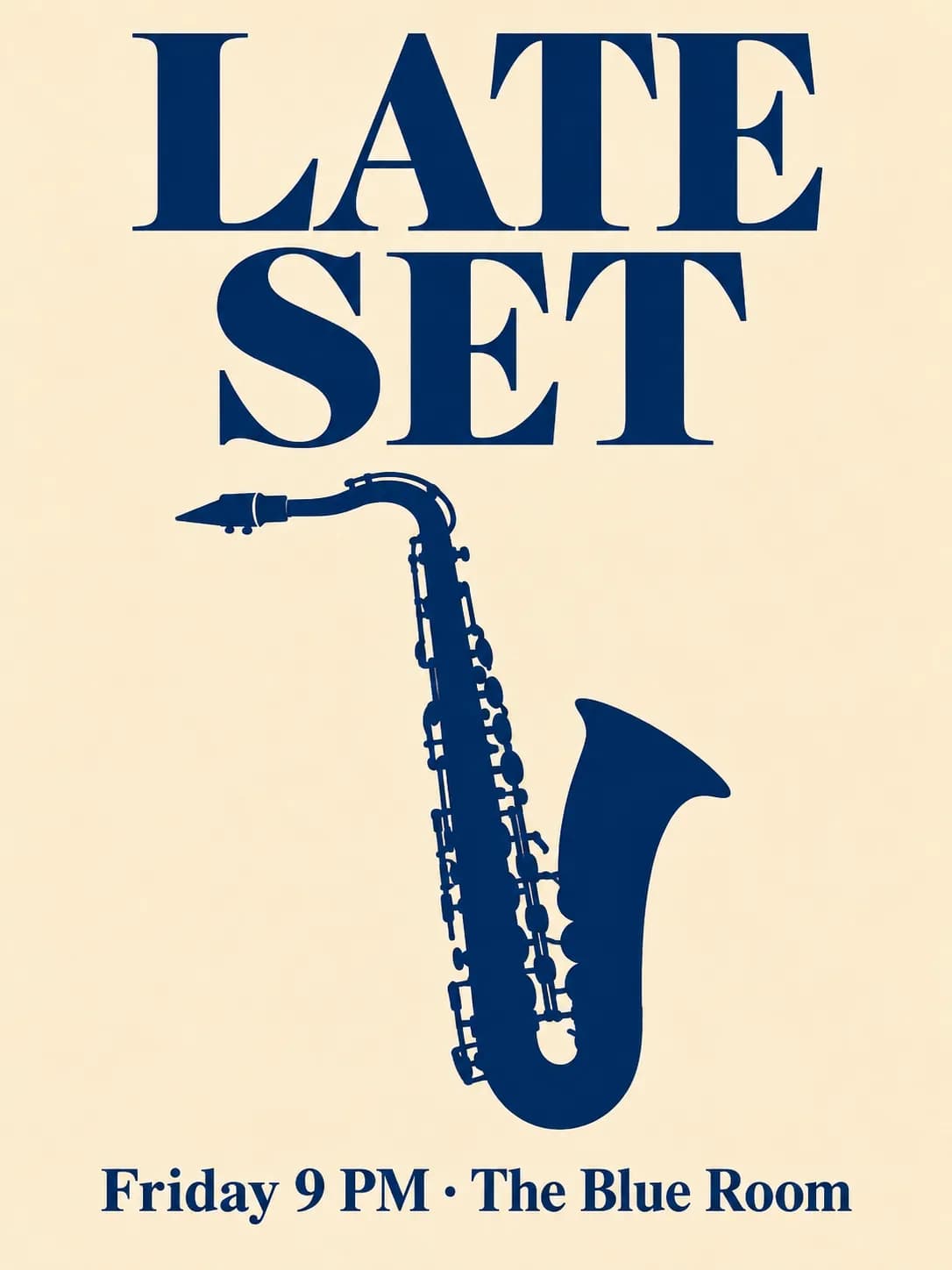
A concert poster with exact text
A minimalist jazz night poster from GPT Image 2 with a bold title and a line of event details, spelled as written on the first take.
Steps and cost
| Step | Model | Credits |
|---|---|---|
| Generate the poster | GPT Image 2 | 47 |
| Total | 47 | |
What you get
A 3:4 poster with a large serif title, one line of event details and a single saxophone shape on cream. The title and the details came out as written on the first take, including the middle dot between the date and the venue.
Why this model
GPT Image 2 from OpenAI is built for strong typography, so it is a good first choice when words must be exact. We ran the same prompt on Nano Banana 2, Seedream 5 Lite and FLUX 2 Pro for the image model comparison: all four spelled the text correctly, GPT Image 2 set the boldest title, and FLUX 2 Pro followed the Swiss layout most closely.
Variations to try
- Series: keep the layout and change only the title and date for each night of a festival.
- Square for social: ask for 1:1 with the title centred.
- Different style: "risograph print, two inks" or "letterpress on textured paper" with the same text.
Questions
Which model is best for text on images?
In our poster test all four models spelled the words correctly, and GPT Image 2 set the biggest, boldest title. For long paragraphs or small print, keep the text short in the image and add the rest in a layout tool.
How do I make sure the words are spelled right?
Put every word you want in quotation marks and say where it goes. Ask for no other text, and check the result before printing.
Can I get a print-size file?
Ask for 2K, or upscale the 1K poster afterwards with an upscaling model. The quote updates before anything runs.