Image
A two-colour risograph-style poster
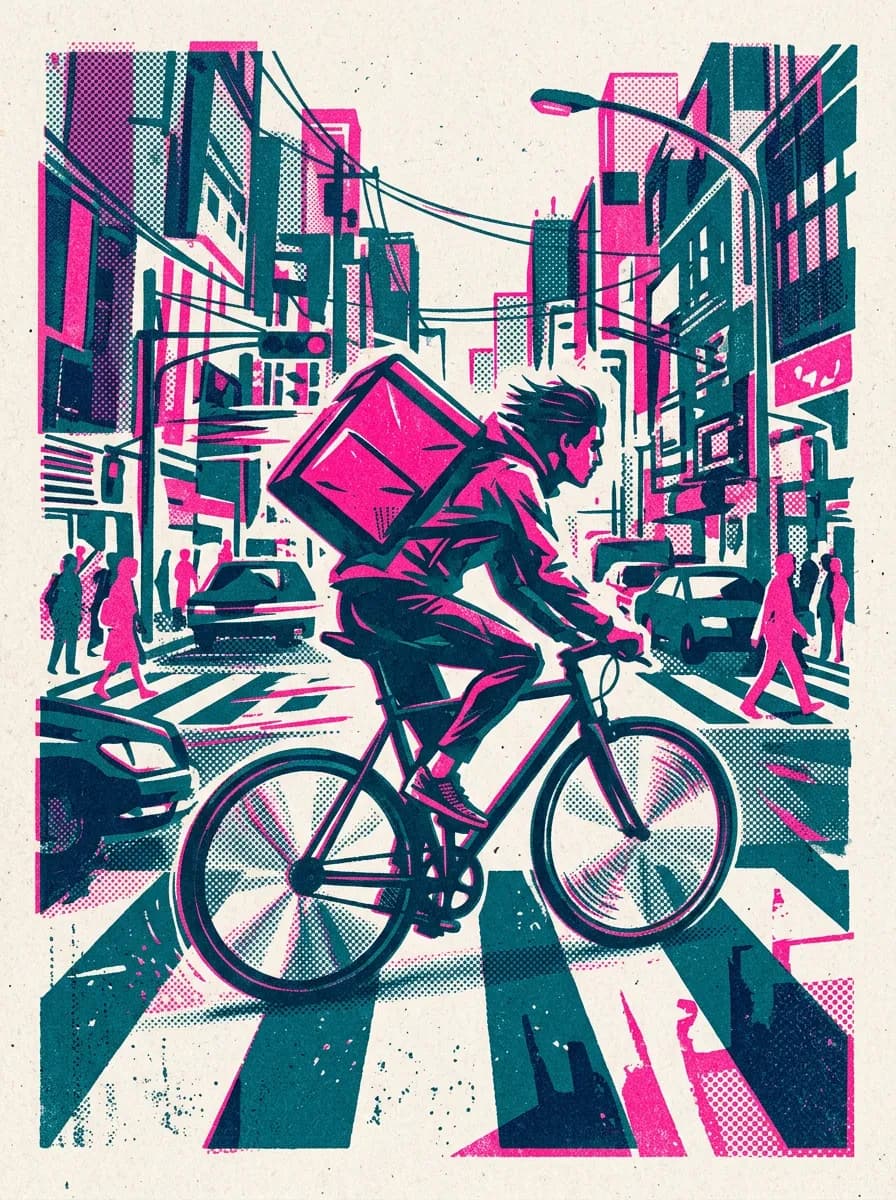
A bicycle courier drawn as a two-colour risograph print, pink and teal ink with halftone grain, from one Nano Banana 2 prompt.
Steps and cost
| Step | Model | Credits |
|---|---|---|
| Generate the illustration | Nano Banana 2 | 12 |
| Total | 12 | |
What you get
A 3:4 illustration of a courier cutting across a crossing, printed in fluorescent pink and teal on off-white paper, with halftone dots and the slight offset of a two-ink print. There is no lettering, so it works as a poster, a cover or a header image.
Why this model
Nano Banana 2 is the default image model and follows style instructions closely: naming the inks, the paper and the print faults gives the look more reliably than the word "risograph" alone. It also accepts a finished image as a reference, which keeps a series in one style.
Variations to try
- Other subjects: a market stall, a tram at night or a dog walker, with the same inks and paper.
- Different inks: "red and blue" or "yellow and black" changes the mood at once.
- Animated cover: turn the poster into a short loop with a video model, keeping the grain.
Questions
Can I print it on a risograph machine?
The image imitates the look of a two-ink print in one file. For an actual riso run you need one layer per ink; ask for each colour as a separate black-and-white image, or split the layers in an image editor.
How do I keep the same style across a series?
Name the same two inks, paper and grain in every prompt, and pass the first image as a reference for the next ones.
Can I add a title to the poster?
Yes, but for exact wording use GPT Image 2, or add the type in a layout tool. Keeping the illustration free of text also makes it easier to reuse.